How to loop through a ClassList in JavaScript
26 March 2020
When dealing with CSS class names in JavaScript you might find yourself needing to go through each class name in the same selector.
<div id="testWrapper" class="wrapper background fading"><div>If we looking to modify each class name we will need to loop through all instances.
So, how can you loop through a ClassList in JavaScript?
There are multiple approaches here. Firstly, we can split each class name by the blank space and convert the result to an Array:
const wrapperElement = document.getElementById('testWrapper')
const classNames = wrapperElement.className.split(' ');
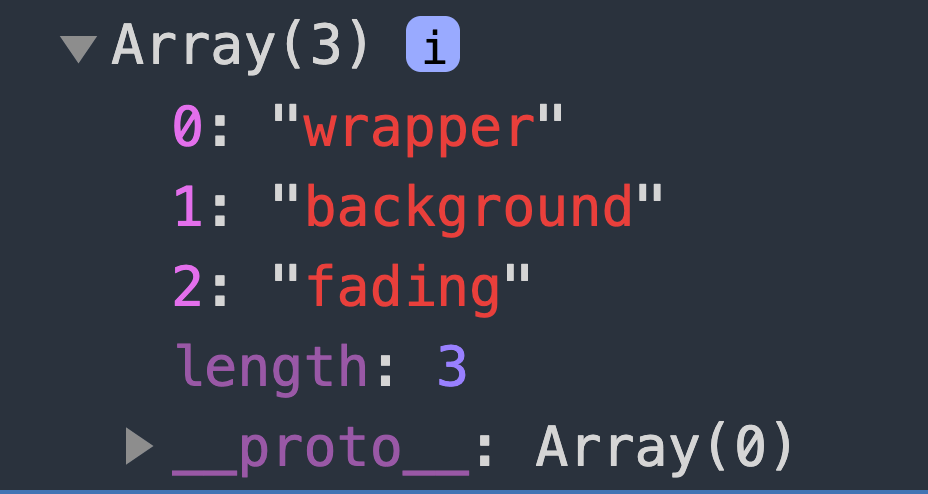
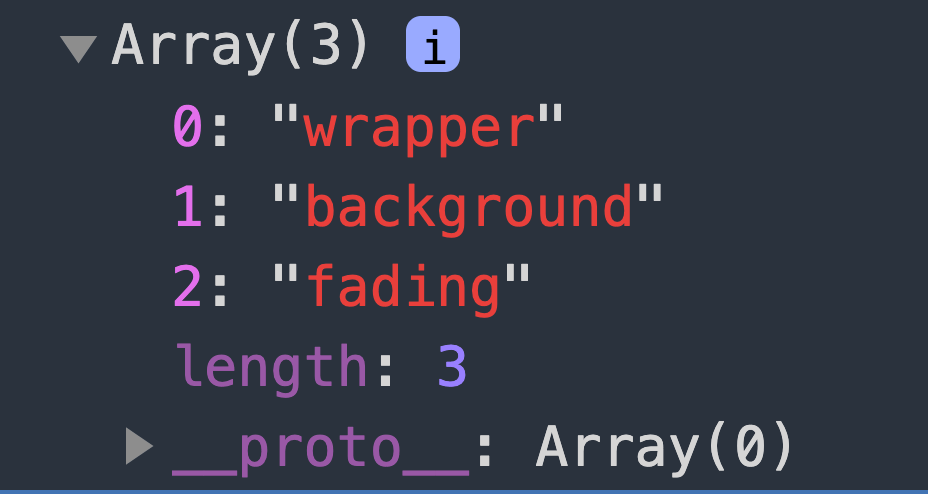
This will give us each class name in an array
From here, we can loop through the class names using forEach(or any array method for that matter):
classNames.forEach(name => {
 console.log(name)
})
Additionally, these class names can be accessed using .classList:
const classNames = wrapperElement.classList()This returns a DOMTokenList like so:

The DOMTokenList interface describes a set of space-separated tokens It can also be iterated through like any standard array:
classNames.forEach(name => {
console.log(name)
})
And there we have it, a straightforwards way to access multiple class names in JavaScript!